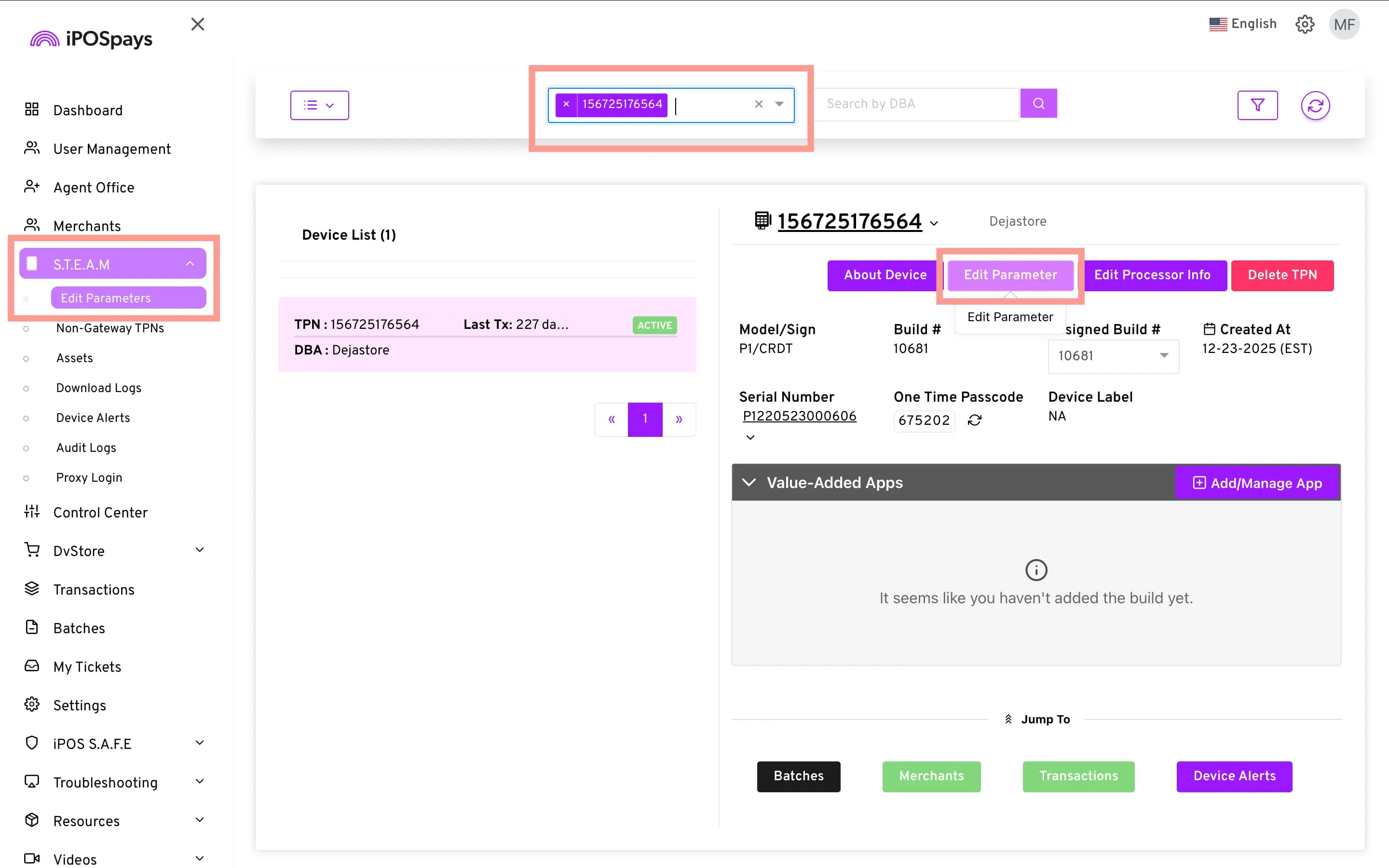
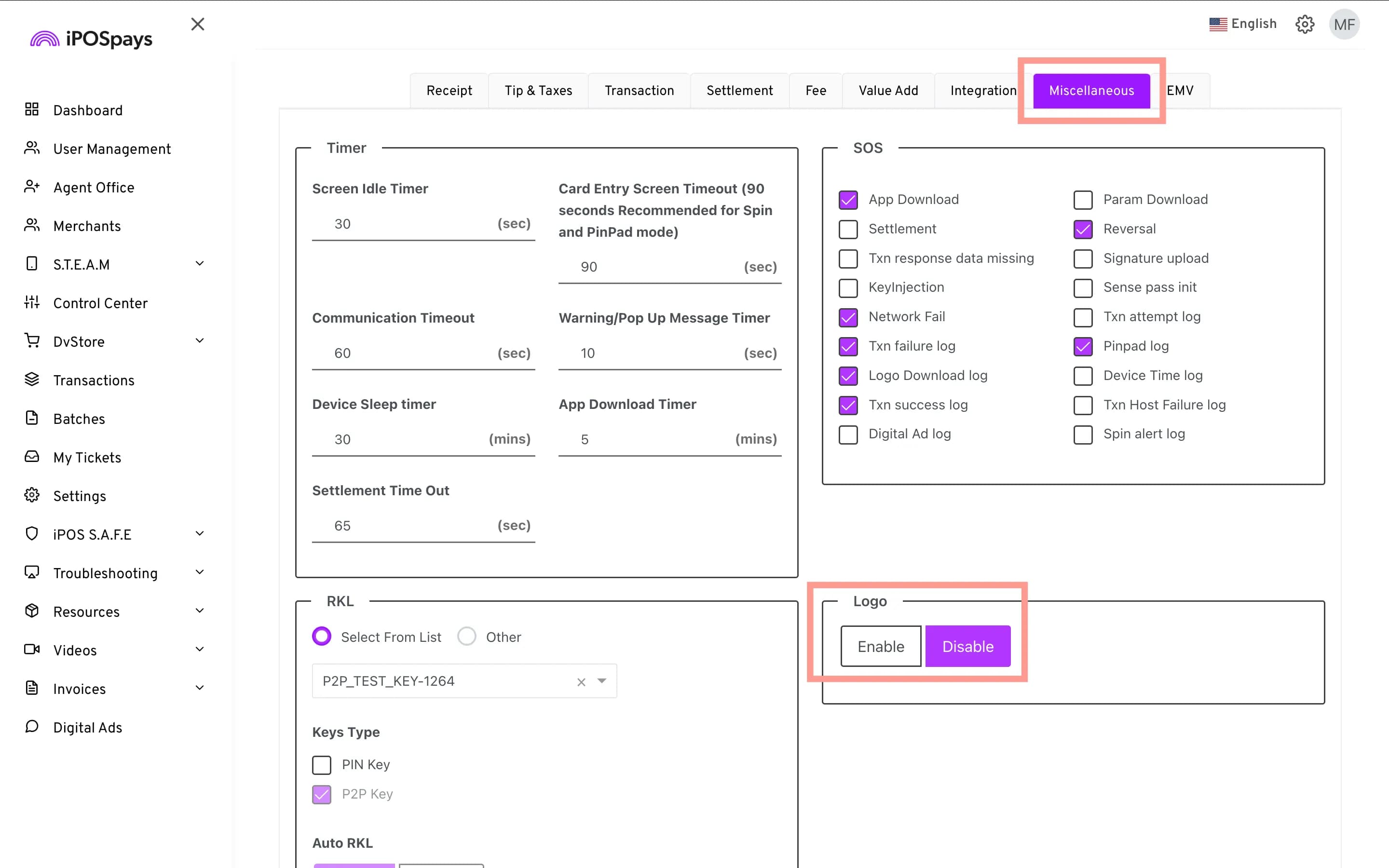
Make PIN pad Branding Match Your Configuration
DvPayLite now automatically adjusts the PIN pad branding based on the configured ISO or merchant logo. When an ISO or merchant logo is enabled, the default PIN pad logo is hidden so the configured branding can take center stage. If no ISO or merchant logo is enabled, the PIN pad logo continues to be displayed.
Feature Compatibility
- Minimum Required POS Build: 10184
- Supported Applications: DvPayLite
- Supported Mode: PIN pad Mode
- Supported Payment Terminals:
- P3
- P5
- P1
- P8
- P17
- P12
- Branding: ISO Logo, Merchant Logo, PIN pad Logo
- Behavior: PIN pad Logo is hidden when an ISO or Merchant Logo is configured; otherwise, it remains visible.