Configurable Logo Display on SPIn Terminals
Minimum Required POS Build: 10157 and above
SPIn-enabled terminals now support configurable branding, allowing the displayed logo to be customized based on ISO or Merchant preference. Previously, the SPIn default logo could appear alongside a merchant logo on the terminal interface.
With this update, only one logo is displayed at a time:
- The ISO logo, when ISO branding is configured
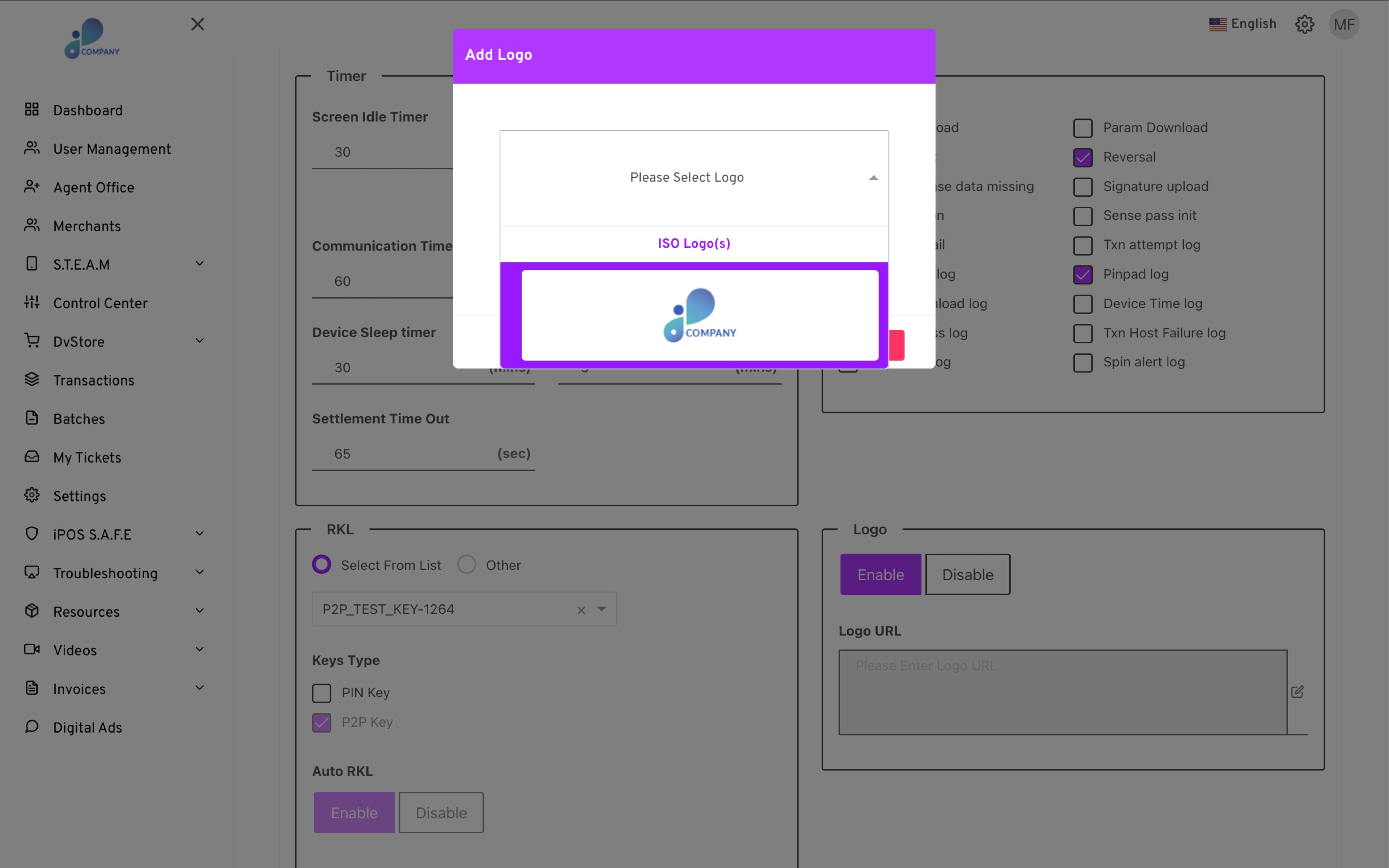
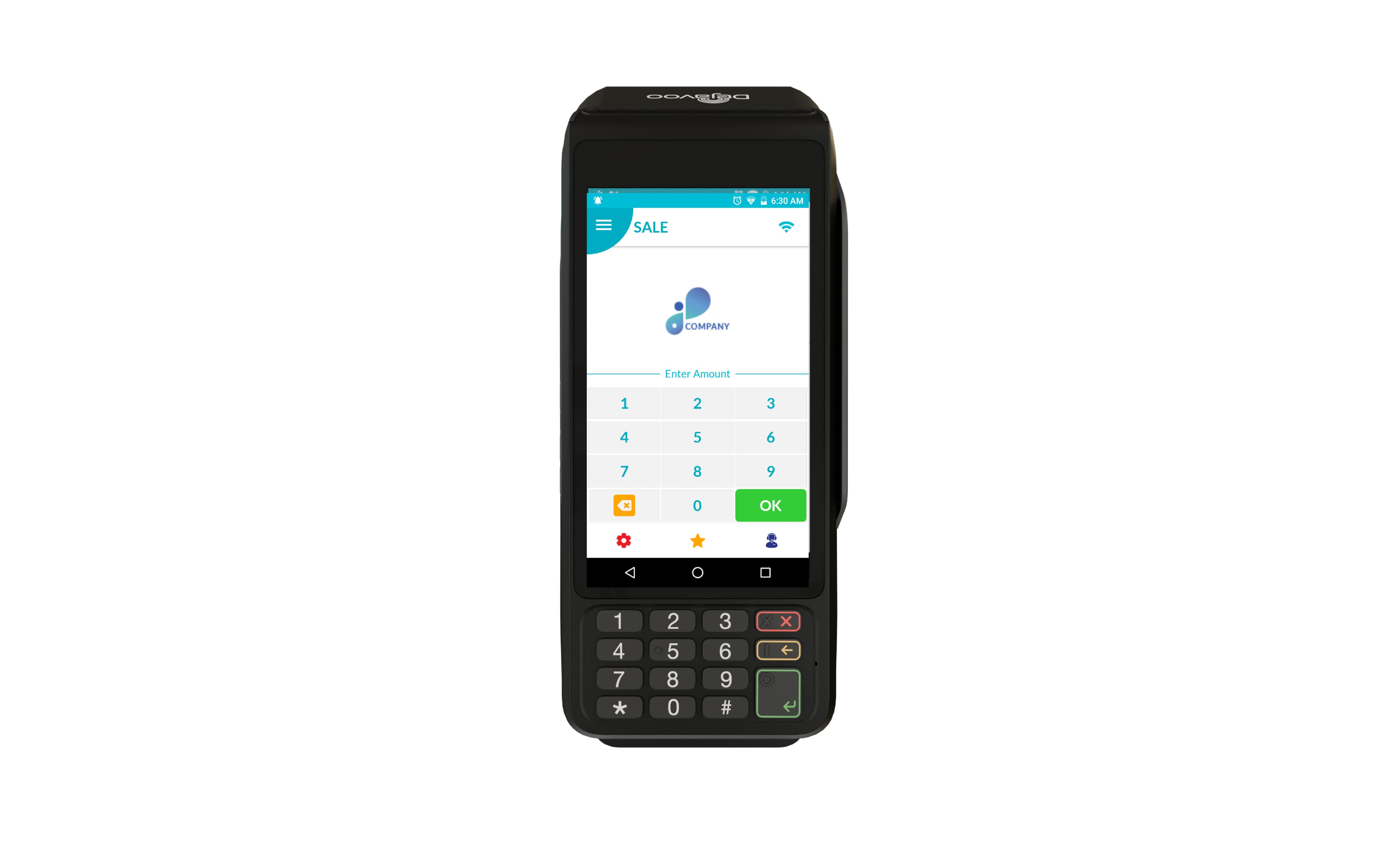
- The Merchant logo, when merchant branding is configured
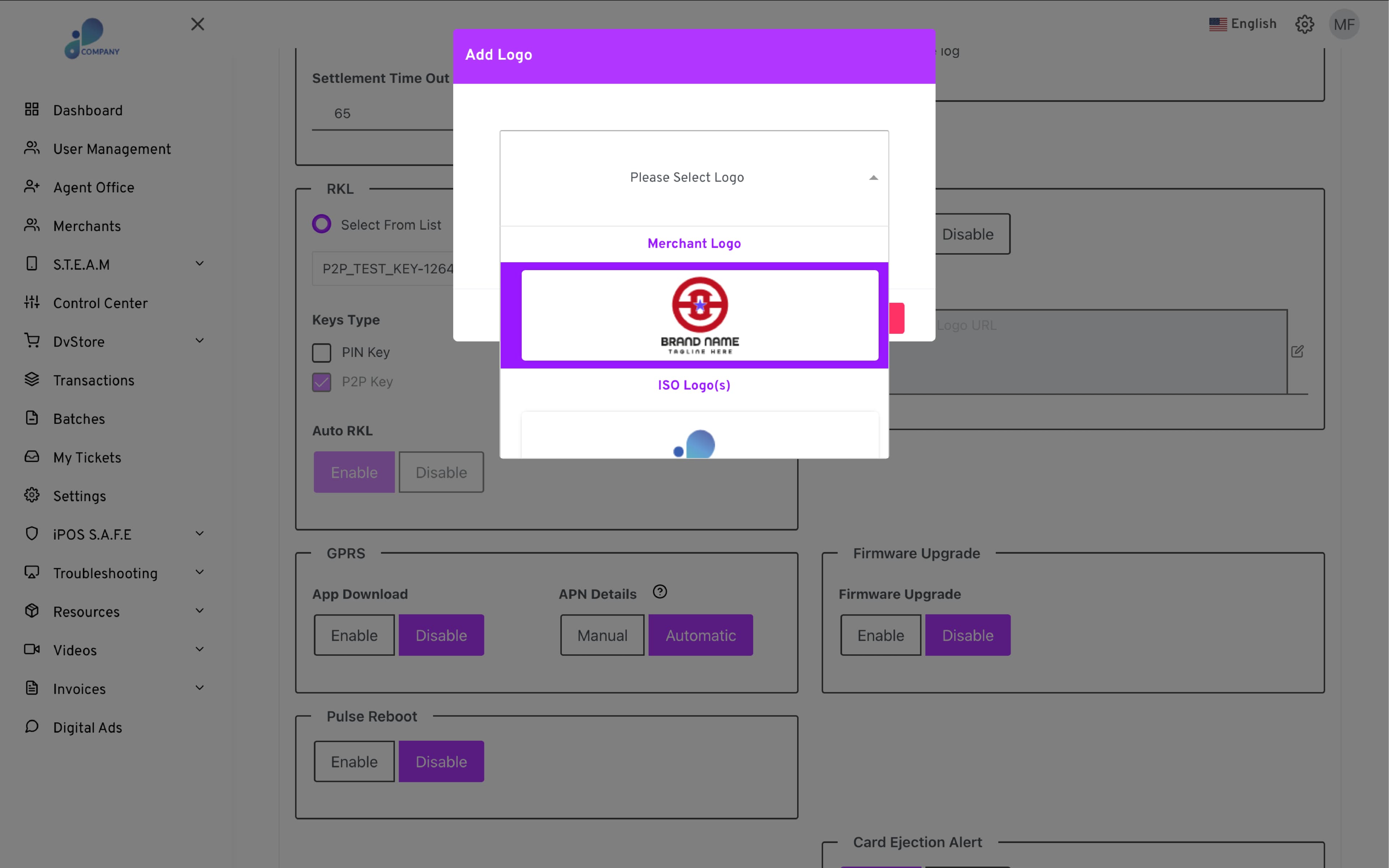
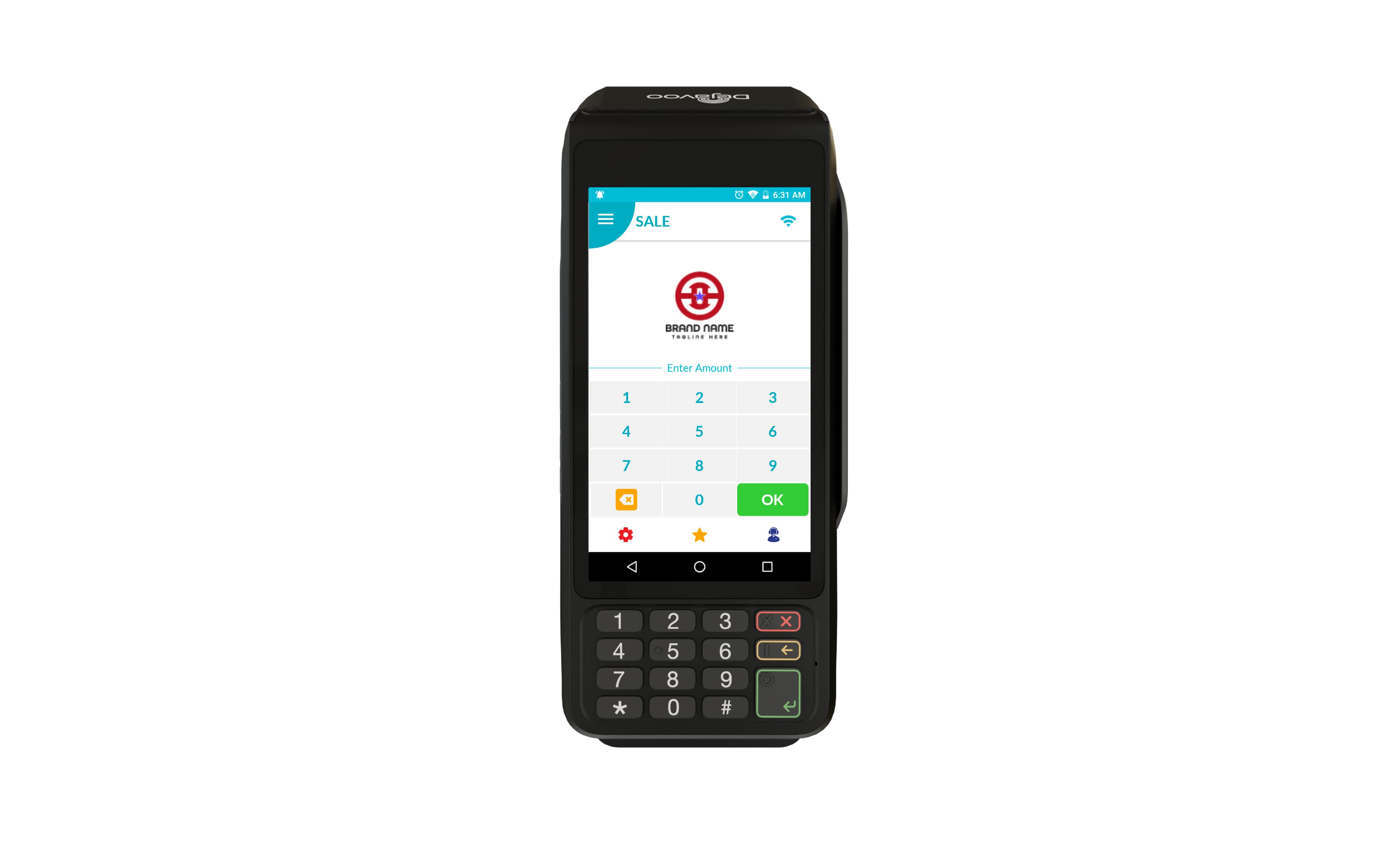
- The default SPIn logo, when no custom branding is set
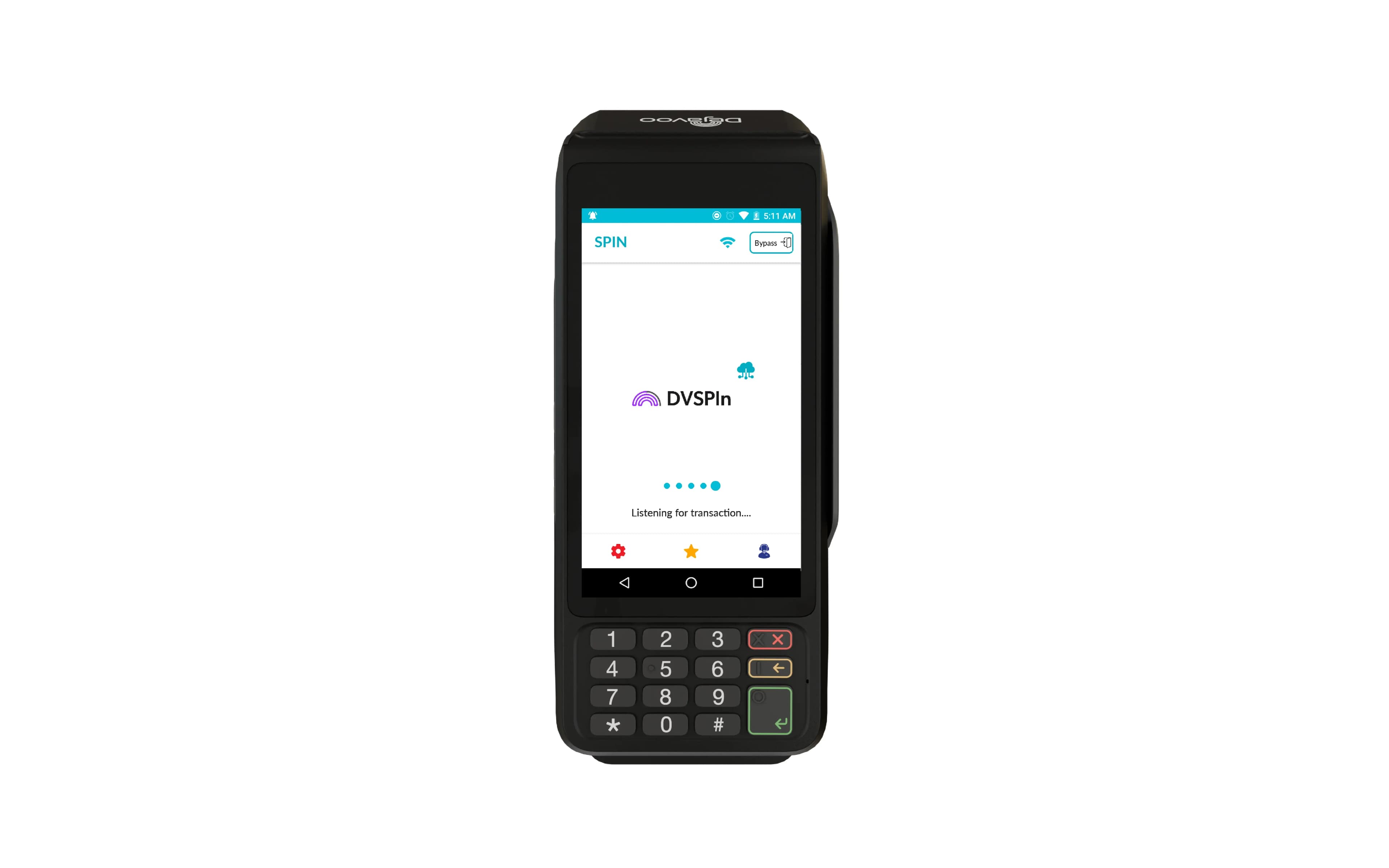
This enhancement ensures consistent branding on the terminal UI and prevents multiple logos from appearing simultaneously, while maintaining a clean and unified user experience.