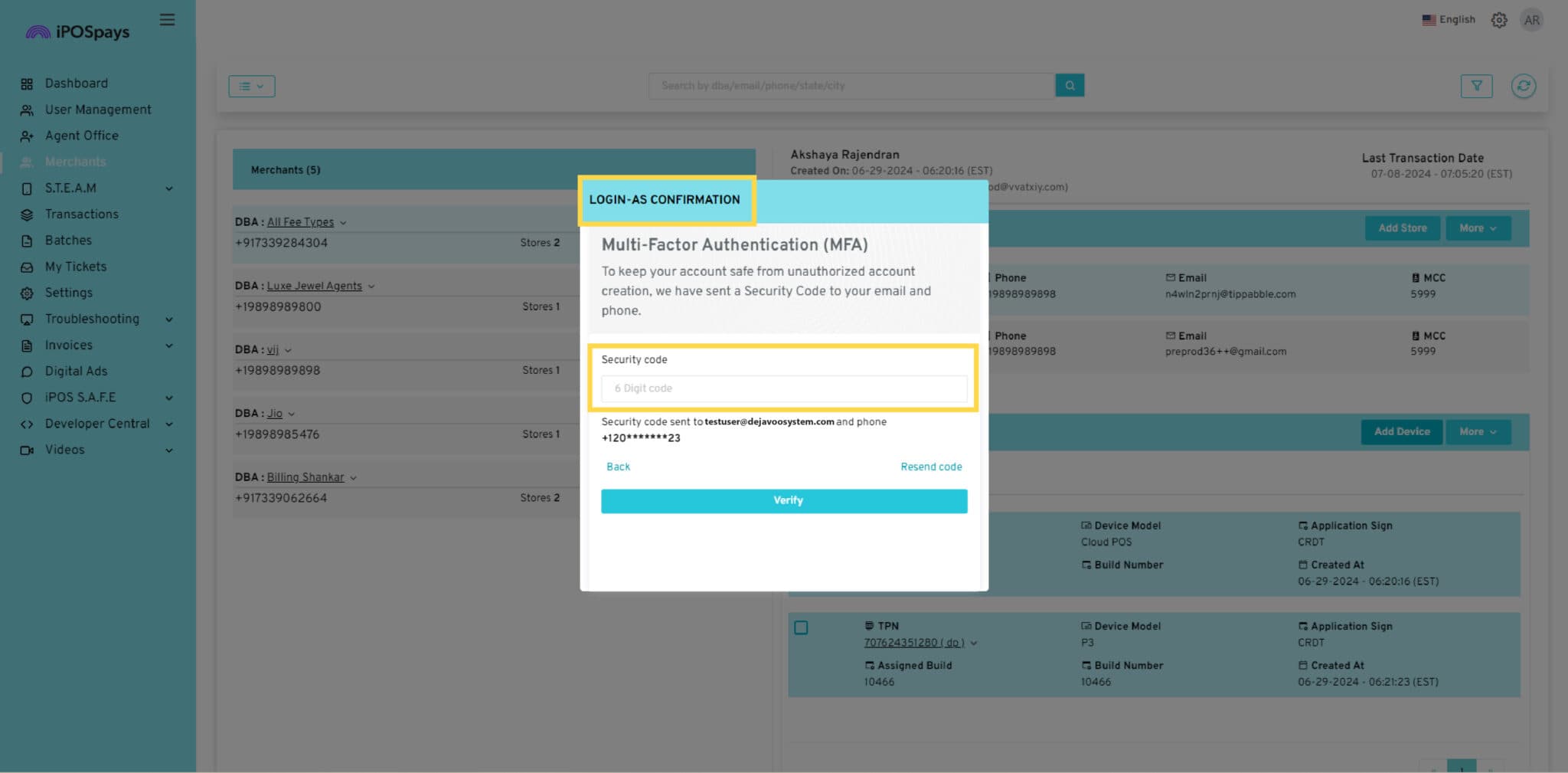
MFA Required for “Login as”
ISOs who have requested the ability to “Login As” (also known as Proxy Login) will now be required to enter an OTP in order to successfully login as a Merchant. A 6-digit security code will be sent to the user’s registered email address which they will have to enter when they click on the “Login as” button.
Note:
If you would like to request access to the “Login As” feature, please contact your Dejavoo Account Representative to inquire about the process to get this feature enabled.
How to Use:
- Log in to the iPOSpays portal using an ISO account.
- Click on the “Merchants” module.
- Search for the merchant or merchant store using the search box at the top.
- Click on “Login as.”
- A 6-digit security code will be sent to your registered email address.
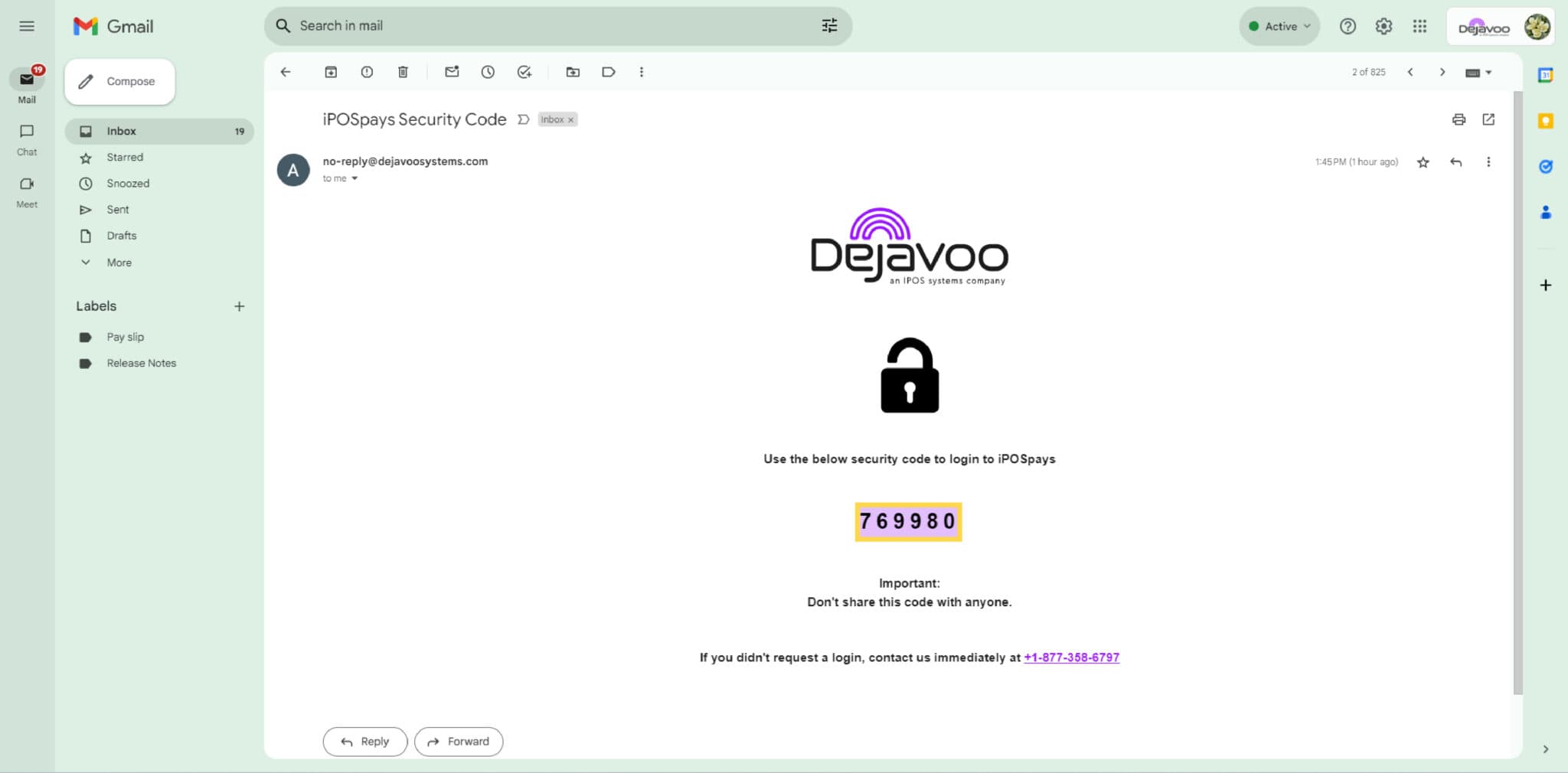
- Enter the 6-digit code to log in as your merchant.